Best Label Printers for Home, Office & Small Business
Compare 5 real, currently-listed label printers for home organizing, office labeling and small-business shipping, with honest notes on label lock-in costs and spec tradeoffs.
Quick answer
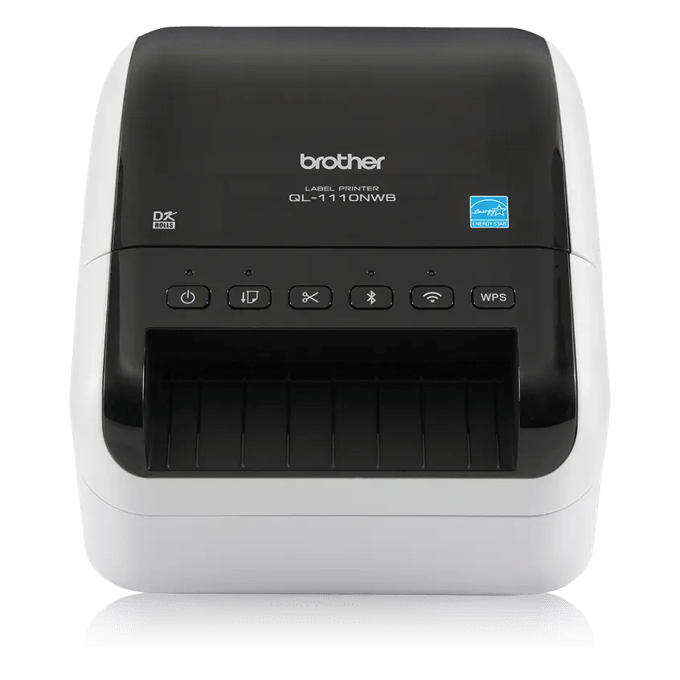
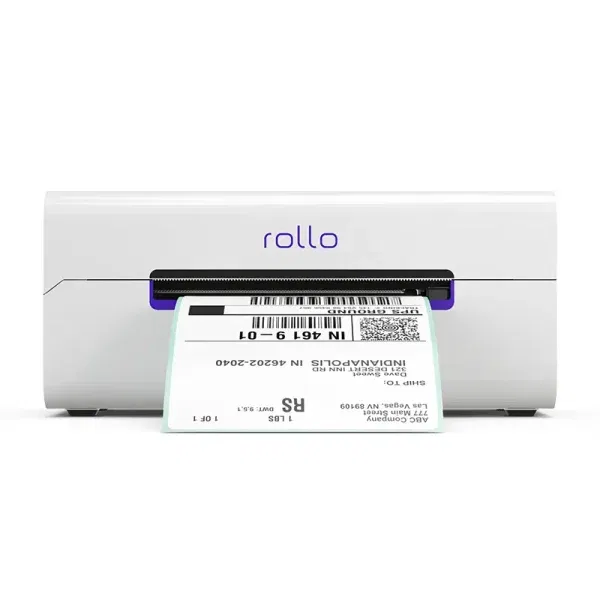
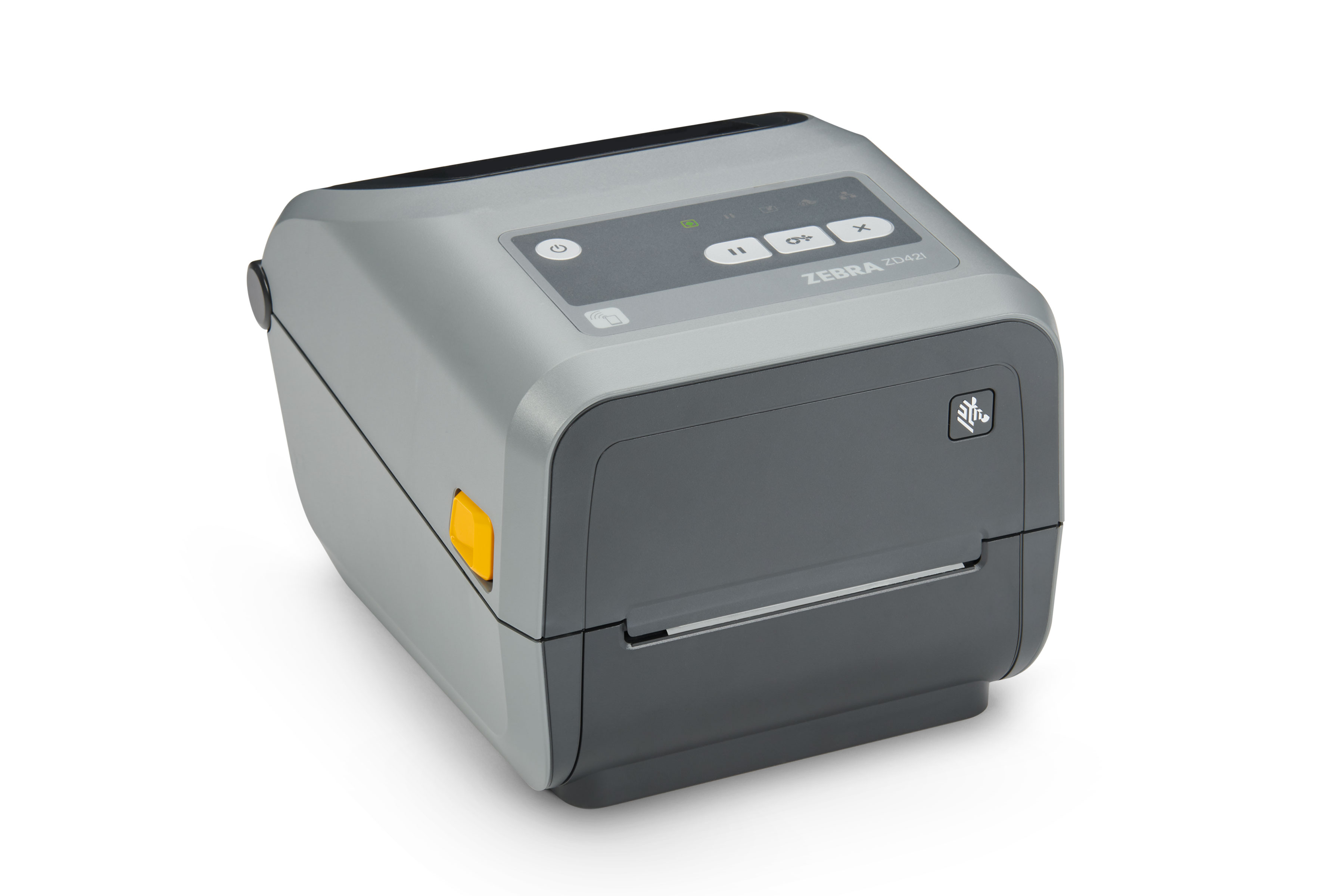
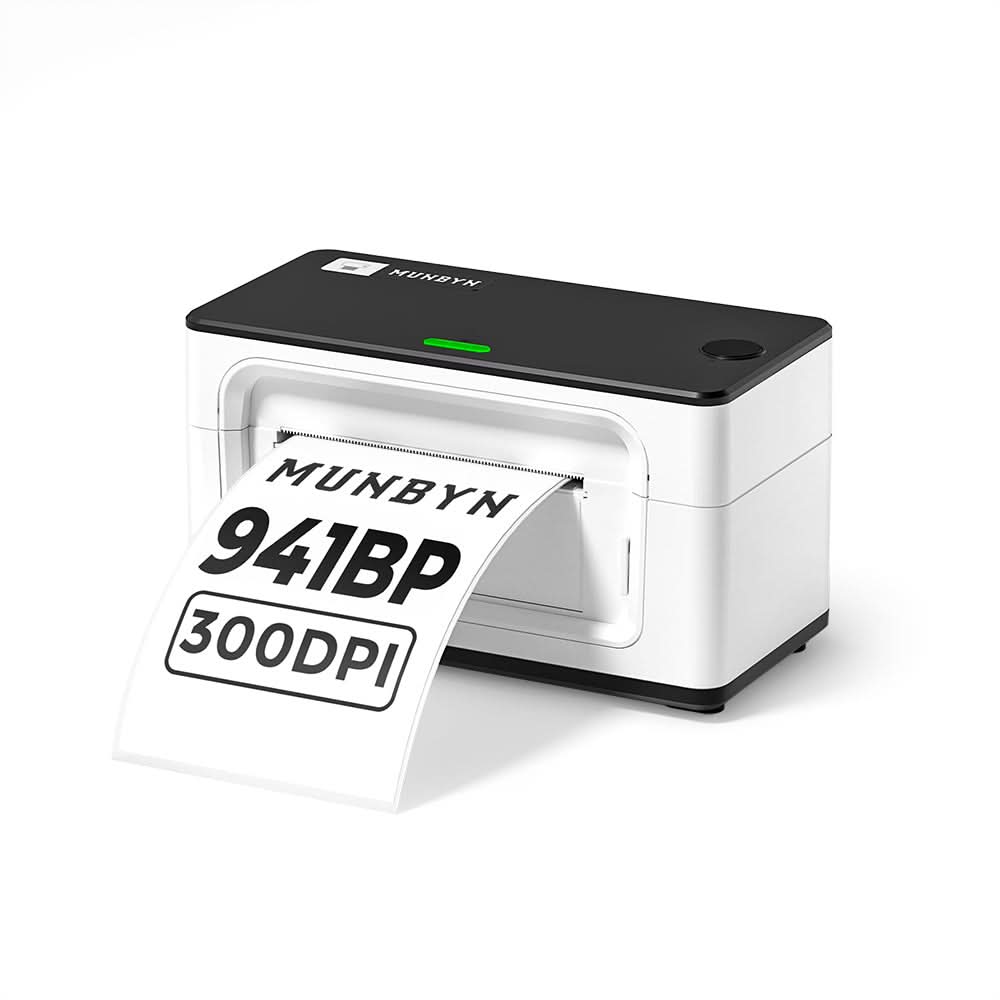
For most home and office use, the Brother QL-1110NWB is the best all-rounder: it prints everything from small file labels to 4-inch shipping labels over Wi-Fi, Ethernet or Bluetooth, though it needs Brother-format DK label rolls. If you mainly ship 4x6 packages and want to avoid brand-locked labels, the Rollo Wireless is the better buy over DYMO's LabelWriter 5XL, which requires DYMO's own RFID-chipped rolls and will not print on anything else. The Zebra ZD421 is a legitimate but more industrial, higher-volume pick. Full disclosure on the fifth slot: we're featuring MUNBYN's current RealWriter 941BP rather than the original USB-only 941, because MUNBYN's own site has moved that product line to the Bluetooth/300dpi successor.
Updated September 2026Advertising DisclosureTop Relevant
✓Carefully researchedProduct data reviewed
◇Independent picksClear comparison criteria
▣Practical resultsBuilt around real use cases
$Price & valueFeatures compared clearly
Buyer checklist
How We Compared These The 5 Best Label Printers for Home, Office and Small-Business Organizing
This guide is desk research, not hands-on testing. For each candidate we confirmed a real, currently active Amazon.com listing (ASIN, listing title, and live page status), then cross-referenced manufacturer spec sheets and support documentation (Brother, DYMO, Rollo, Zebra and MUNBYN's own product and support pages) against the Amazon listing copy, plus third-party sources on label compatibility and lock-in behavior. Where manufacturer materials and retailer listings disagreed on a spec, or where a manufacturer had moved a product line to a newer model, we've flagged that directly in the write-up instead of quietly picking a number. No unit was purchased or physically tested for this guide.
The 5 Best Label Printers for Home, Office and Small-Business Organizing Buying Questions
Do these printers need special, brand-locked labels, or can I use any thermal labels?
It depends on the printer, and this is one of the biggest hidden costs in this category. DYMO's LabelWriter 5XL is the strictest case: it only prints on DYMO-brand rolls with an embedded RFID chip and refuses to print on anything else, including some older pre-chip DYMO stock. Brother's QL-1110NWB uses its own DK cartridge system that auto-senses label size, but third-party sellers do make Brother-compatible rolls. Rollo, the direct-thermal Zebra ZD421 SKU, and MUNBYN's 941BP are all built around generic direct-thermal labels, so you can shop around for cheaper third-party rolls without voiding anything.
What's the difference between direct thermal and thermal transfer printing?
Direct thermal printers, which is what all five picks here use in their featured configuration, apply heat directly to heat-sensitive label material to create the image, so there's no ink, toner or ribbon, but the print can fade with heat or strong sunlight over time. Thermal transfer printers melt ink from a ribbon onto the label instead, which costs more per label but produces more durable, longer-lasting prints for things like asset tags or labels that need to survive outdoors or in a warehouse. Zebra also sells thermal-transfer ZD421 variants for that reason, though the SKU covered here is direct thermal.
Are any of these good for general home organizing, not just shipping labels?
Brother's QL-1110NWB and MUNBYN's 941BP are the most flexible for general organizing since they handle a range of smaller label sizes, not just 4x6 shipping format. DYMO's 5XL and Rollo's X1040 are built primarily around 4x6-style shipping labels, so while smaller compatible rolls exist for some models, they're less naturally suited to things like file-folder or jar labels than the Brother or MUNBYN.