TopFiveFind may earn from qualifying purchases. Rankings are editorial starting points, not hands-on test claims.
Home/Vacuum Sealers/Samsung T9 Portable SSD 2TB, USB 3.2 Gen 2x2 External SSD, Up to 2,000 MB/s | External Solid State Drive for Gaming, Students and Professionals, MU-PG2T0B/AM, Black
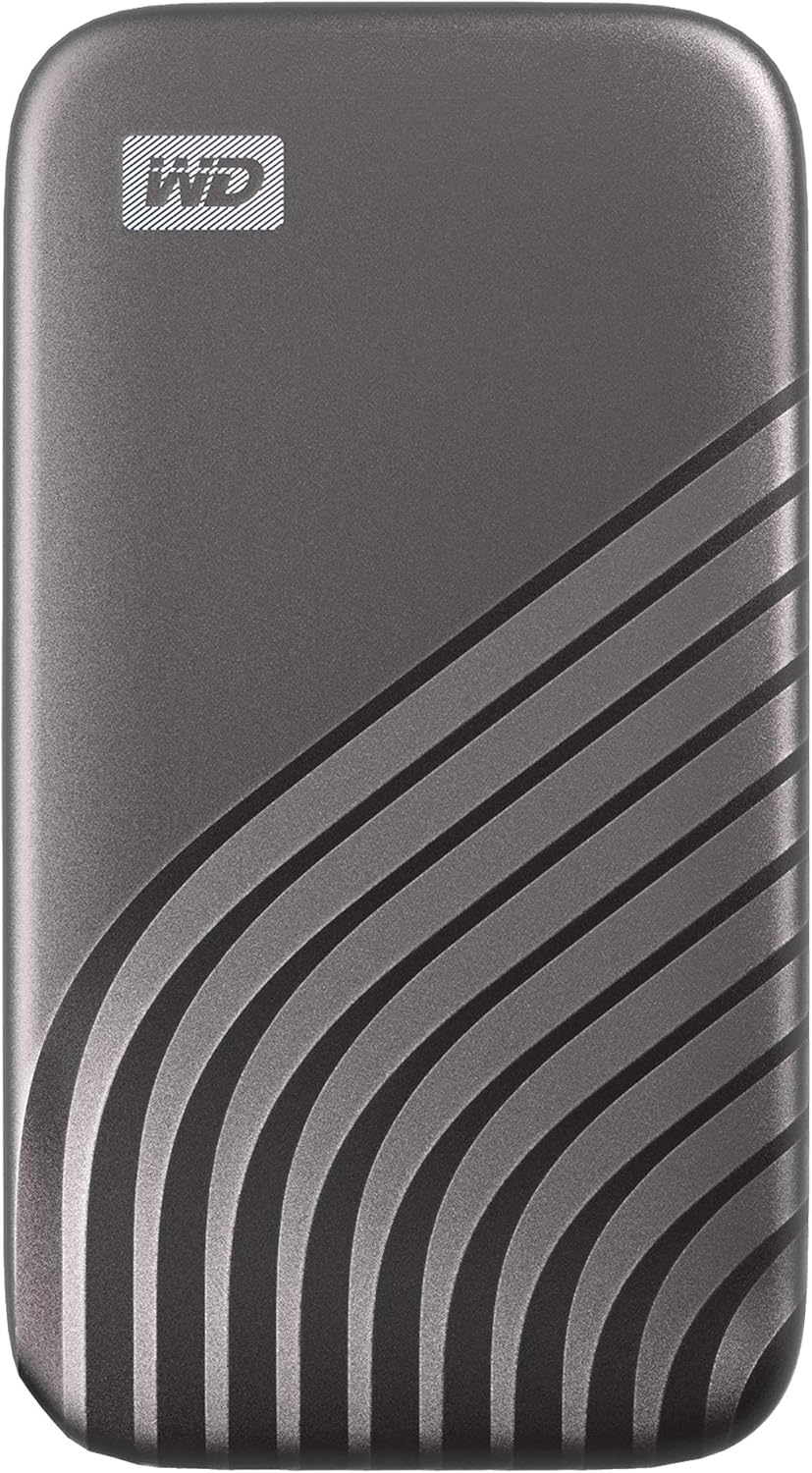
Samsung T9 Portable SSD 2TB, USB 3.2 Gen 2x2 External SSD, Up to 2,000 MB/s | External Solid State Drive for Gaming, Students and Professionals, MU-PG2T0B/AM, BlackProduct image from current catalog data
Best Overall Balance

Samsung T9 Portable SSD 2TB, USB 3.2 Gen 2x2 External SSD, Up to 2,000 MB/s | External Solid State Drive for Gaming, Students and Professionals, MU-PG2T0B/AM, Black

By Samsung

9.8Excellent matchFeature and use-case score

The 2TB T9 pairs Samsung's fastest consumer portable-SSD speed tier with a genuinely pocketable body, making it the easiest of the five to recommend without a caveat attached.

  • Up to 2,000MB/s sequential read and write (USB 3.2 Gen 2x2, 20Gbps)
  • Rubberized shell rated for drops up to 9.8 ft / 3 m
  • 5-year limited warranty
See Price at the store →Price, delivery, and configuration can change at the retailer.
ByTopFiveFind Research Desk

How this was made: AI-assisted research and drafting organize the evidence. Exact product identity, source claims, owner-feedback patterns, conflicts, and publication checks are documented before indexing. No hands-on or human-expert testing is claimed unless a page explicitly shows that evidence. Read the full methodology.

Best fitBest Overall Balance
CategoryVacuum Sealers
BrandSamsung
Catalog score9.8 / 10

Product overview

Samsung T9 Portable SSD: What to Know

Samsung rates the T9 at up to 2,000MB/s for both sequential read and sequential write over its USB 3.2 Gen 2x2 (20Gbps) interface, a symmetrical number that's unusual among portable SSDs, most of which read noticeably faster than they write. That figure comes from Samsung's own US product page and its original press announcement, and both sources agree on it, which isn't always the case with the smaller brands in this category.

Physically, the T9 is built around a rubberized, textured shell that Samsung rates for drops of up to 9.8 feet (about 3 meters). Notably, Samsung does not publish an IP (dust/water) ingress rating for the standard T9 the way SanDisk, Crucial, and Kingston do for their rugged-marketed drives, it's a drop-resistance claim only, not a submersion or dust-sealing claim. Buyers who need documented water resistance for outdoor or job-site use should weigh that gap against the SanDisk or Crucial options below.

The drive ships with a USB-C-to-USB-C cable; Samsung does not include a USB-C-to-USB-A adapter in the standard retail box, which is worth knowing if the only free port on your laptop or dock is a full-size USB-A port. Samsung backs the T9 with a 5-year limited warranty, matching the longest terms in this comparison, and the drive works with Samsung's free Magician software for firmware updates and drive health checks, though that tool is Windows/Mac only and not required for basic use.

As with every drive in this guide, the 2,000MB/s ceiling is only reachable through a USB 3.2 Gen 2x2-capable port and cable; a Gen 1 or Gen 2 (single-lane) port will bottleneck the T9 well below its rated speed. Samsung does not publicly disclose the NAND flash type used in the T9, so we're not going to guess at it here.

Key Listed Features

01

Up to 2,000MB/s sequential read and write (USB 3.2 Gen 2x2, 20Gbps)

02

Rubberized shell rated for drops up to 9.8 ft / 3 m

03

5-year limited warranty

04

USB-C to USB-C cable included; no USB-A adapter in the box

Buying questions

Quick Answers

Does the Samsung T9 need special software to use?

No — it works as plug-and-play external storage on Windows, macOS, Android, and compatible game consoles without installing anything. Samsung Magician software is optional and adds firmware updates, encryption setup, and drive health monitoring.

Is the 2TB model the best capacity to buy?

For most buyers doing photo/video work or wanting headroom for backups, yes — it's a middle ground between the 1TB model (tighter for large video projects) and the 4TB model (costs more per gigabyte in some regions). Choose based on your actual working file sizes rather than defaulting to the largest option.