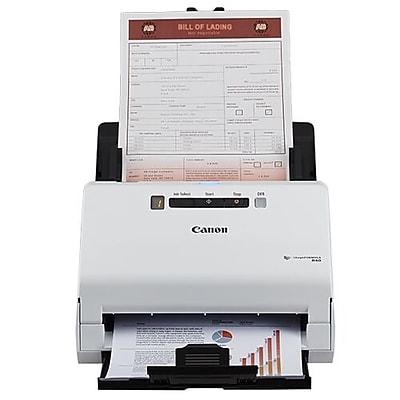
 Product image from current catalog data
Product overview
Canon imageFORMULA R40: What to Know
Disclosure up front: this listing remains live and sold new on Amazon under ASIN B07YNK4S9Y, but Canon announced a successor, the imageFORMULA R40II, in a newsroom post dated February 5, 2026, describing it as building on the original R40 with faster speeds, a more compact design, and USB-C. As of this research, the R40II also has its own real Amazon listing (ASIN B0GJWWZ77J), though it's new enough that we couldn't independently confirm a manufacturer-hosted product photo for it through the tools available for this guide, while the original R40 image below is confirmed from a major retailer. We're covering the original R40 here because it's the version with fully verified listing and imagery, but if you're buying today and want Canon's current generation, search for the R40II directly before purchasing.
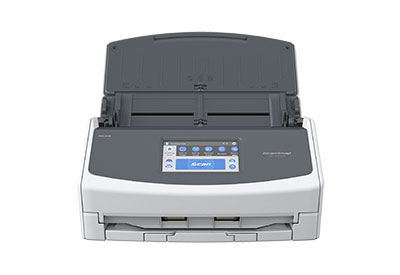
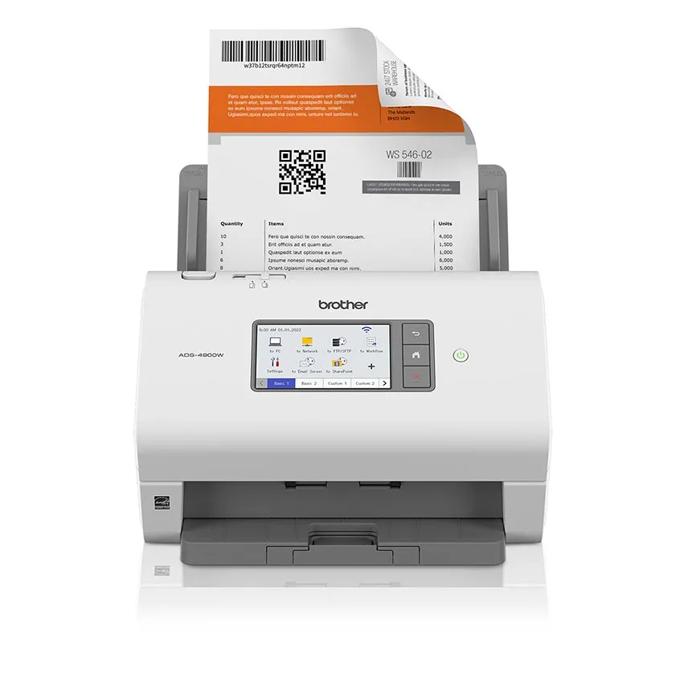
On to the R40 itself: it's the smallest, simplest machine in this lineup, using a Job Select button and single-digit LED display rather than a touchscreen, a real difference from every other scanner here, all of which have 4.3-inch color touchscreens. The ADF holds up to 60 sheets.
Scan speed is where sources genuinely disagree, and we're not going to paper over it. One set of retailer listings states the R40 scans at 40 ppm / 80 ipm; a separate breakdown (via IT Pro's published review data) lists simplex speeds of up to 30 ppm in color / 40 ppm in black-and-white, with duplex reaching up to 60 ipm color / 80 ipm black-and-white. Both figures trace back to Canon-sourced specifications, but they're not phrased identically, so treat the 40 ppm headline number as a best-case (black-and-white, single-sided) rather than an all-conditions figure.
Connectivity is USB-only, no Wi-Fi, no Ethernet, which is the R40's biggest practical limitation next to every other scanner in this guide. Software includes Canon's CaptureOnTouch for Windows and Mac, plus bundled licenses for Readiris (PDF creation and OCR) and Cardiris business-card software (Windows only). A daily volume of around 4,000 scans is cited by some retailer spec sheets, though we could not independently verify that figure on an accessible Canon-hosted page during this research, since Canon's own product and support pages blocked automated access for us.
Key Listed Features
60-sheet ADF with single-pass color duplex scanning
USB-only connectivity — no Wi-Fi or Ethernet, smallest footprint in this guide
Bundled Canon CaptureOnTouch, Readiris PDF/OCR, and Cardiris (Windows) software
Superseded by the newer Canon imageFORMULA R40II, disclosed here for buyers who want the current generation