TopFiveFind may earn from qualifying purchases. Rankings are editorial starting points, not hands-on test claims.
Home/Vacuum Sealers/Epson RapidReceipt RR-600W Wireless Desktop Color Two-Sided Receipt Scanner | Receipt and Document Scanner ScanSmart AI PRO Receipt Management and PDF Software for PC and Mac Touchscreen and 100 Page ADF
Epson RapidReceipt RR-600W Wireless Desktop Color Two-Sided Receipt Scanner | Receipt and Document Scanner ScanSmart AI PRO Receipt Management and PDF Software for PC and Mac Touchscreen and 100 Page ADFProduct image from current catalog data
Best for Receipts and Expense Tracking

Epson RapidReceipt RR-600W Wireless Desktop Color Two-Sided Receipt Scanner | Receipt and Document Scanner ScanSmart AI PRO Receipt Management and PDF Software for PC and Mac Touchscreen and 100 Page ADF

By Epson

9.6Excellent matchFeature and use-case score

Epson built this one specifically for the shoebox-of-receipts problem, pairing a 100-page feeder with software that tries to read and categorize the data on each receipt, not just image it.

  • Up to 35 ppm color duplex scanning with a 100-page mixed-size auto document feeder
  • 4.3-inch touchscreen for PC-free scan-to-email, cloud, or USB drive
  • Epson ScanSmart AI PRO for receipt/invoice data extraction toward QuickBooks and TurboTax
See Price at the store →Price, delivery, and configuration can change at the retailer.
ByTopFiveFind Research Desk

How this was made: AI-assisted research and drafting organize the evidence. Exact product identity, source claims, owner-feedback patterns, conflicts, and publication checks are documented before indexing. No hands-on or human-expert testing is claimed unless a page explicitly shows that evidence. Read the full methodology.

Best fitBest for Receipts and Expense Tracking
CategoryVacuum Sealers
BrandEpson
Catalog score9.6 / 10

Product overview

Epson RapidReceipt RR-600W: What to Know

The RapidReceipt name is literal: Epson positions the RR-600W around invoices and receipts rather than general document archiving, and it's currently listed on Epson's own site (it was named a Good Housekeeping 2026 Cleaning Awards winner, per Epson's newsroom, which is a slightly odd category for a scanner but confirms the model is actively marketed). Epson's spec sheet lists scanning speeds up to 35 ppm and describes duplex throughput as up to 10 times faster than pulling the same stack through a multifunction printer's ADF.

The 100-page automatic document feeder is built to handle mixed-size stacks, crumpled receipts, folded thermal paper, and standard letter pages together, which is a harder engineering problem than scanning uniform printer paper. A 4.3-inch color touchscreen lets you scan directly to email, a cloud service, or a USB drive without a computer connected at all.

The software is the real differentiator here: Epson ScanSmart AI PRO is built to extract structured data (vendor, date, amount) from receipts and route it toward accounting workflows like QuickBooks and TurboTax, and Epson's more recent marketing also references compatibility with AI assistants like Microsoft Copilot and Apple Intelligence for downstream document handling. That's a genuinely different value proposition than a generic OCR pass, it's closer to a lightweight expense-management tool bolted onto a scanner.

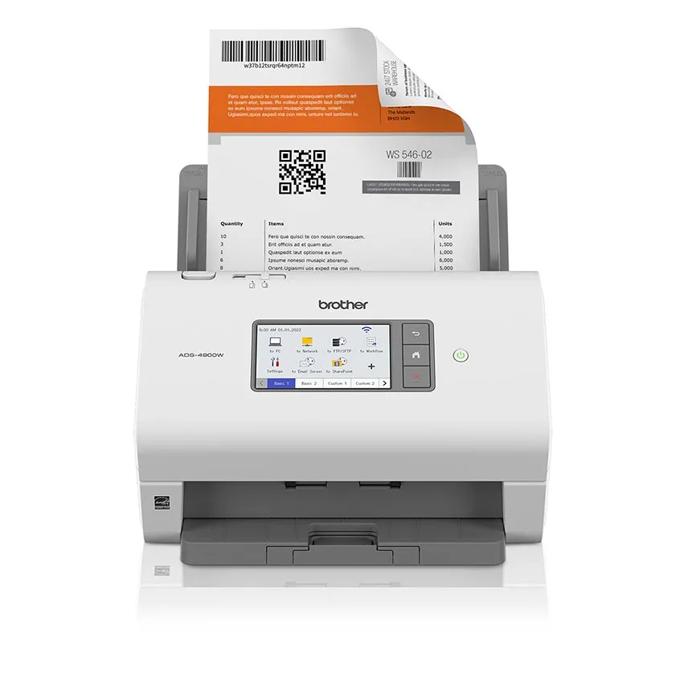
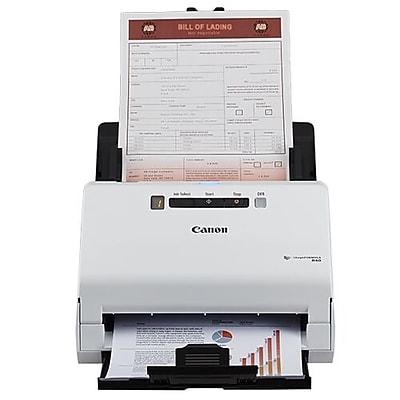
A scan-volume figure of up to 4,000 sheets per day appears on Epson's specification sheet for the RR-600W, which is a useful number for anyone comparing it against the Brother or Fujitsu units, though buyers doing sustained high-volume digitizing should still weigh that against the Brother ADS-4900W's higher rated capacity.

Key Listed Features

01

Up to 35 ppm color duplex scanning with a 100-page mixed-size auto document feeder

02

4.3-inch touchscreen for PC-free scan-to-email, cloud, or USB drive

03

Epson ScanSmart AI PRO for receipt/invoice data extraction toward QuickBooks and TurboTax

04

Rated for up to 4,000 sheets per day per Epson's specification sheet
Buying questions

Quick Answers

Can the RR-600W scan regular documents, not just receipts?

Yes — it's a duplex color document scanner with a 100-page ADF, so standard letter/A4 pages work fine; the receipt-focused branding refers mainly to the bundled ScanSmart AI PRO software's data-extraction features, not a hardware limitation.

Does it need a computer connected to work?

No — Epson's product page describes PC-free scanning directly to email, a cloud account, or a USB drive via the built-in touchscreen, though the deeper receipt-data-extraction features run through the ScanSmart software on a connected PC or Mac.