5 Best Gaming Mice for Speed, Control and Comfort
Sensor specs, polling rates, weight, and battery life compared across 5 verified gaming mice, from ultra-light esports picks to ambidextrous all-rounders.
Quick answer
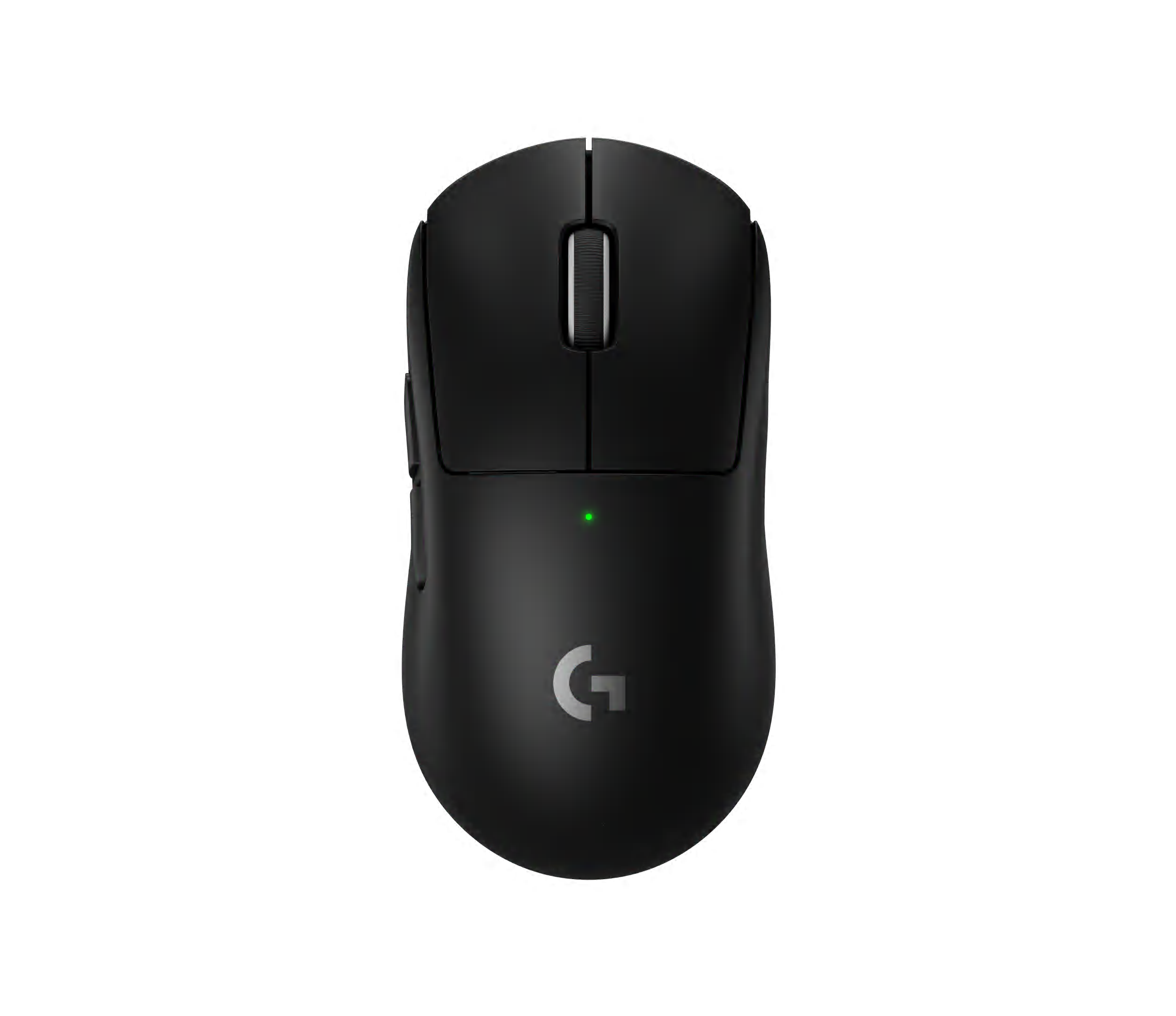
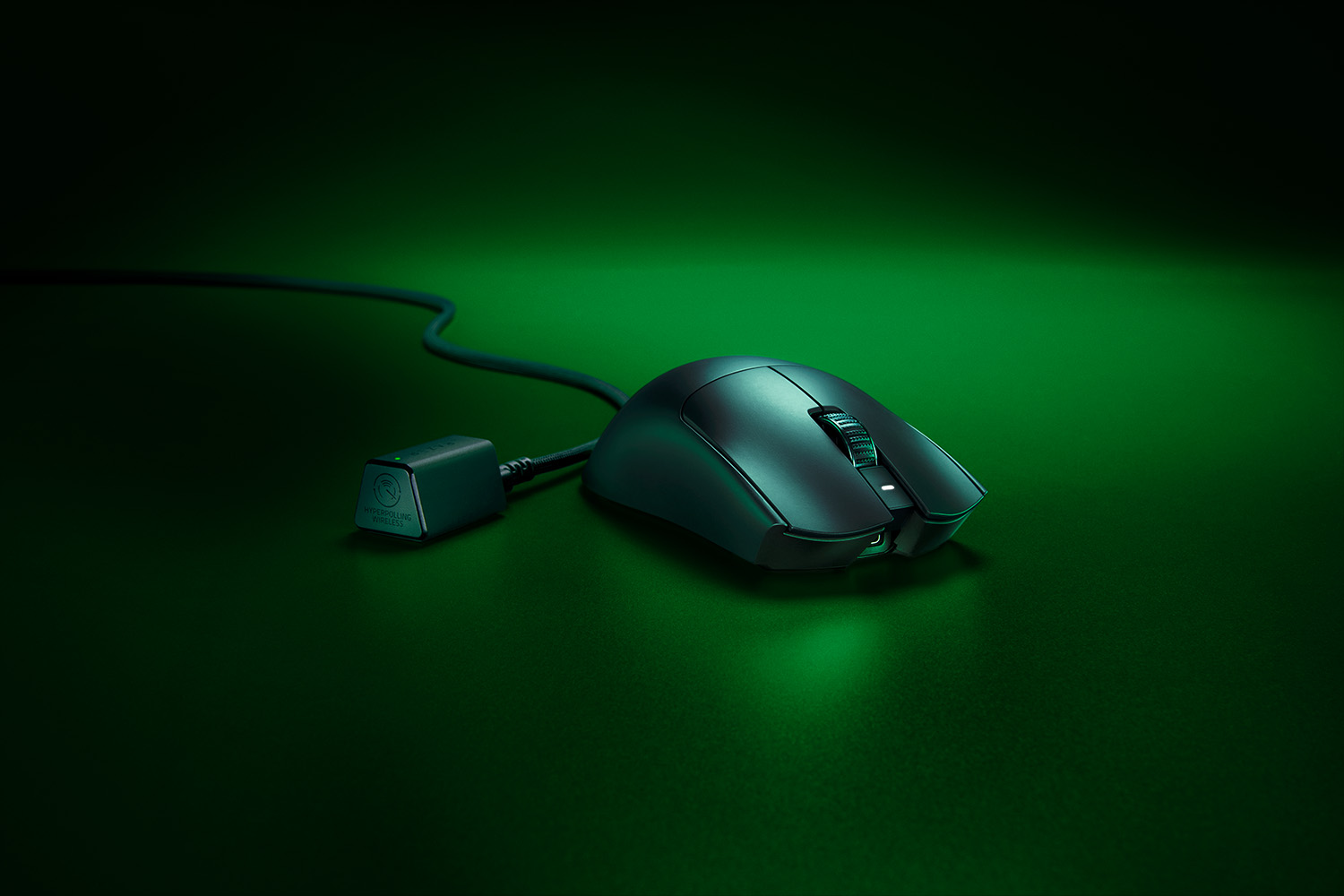
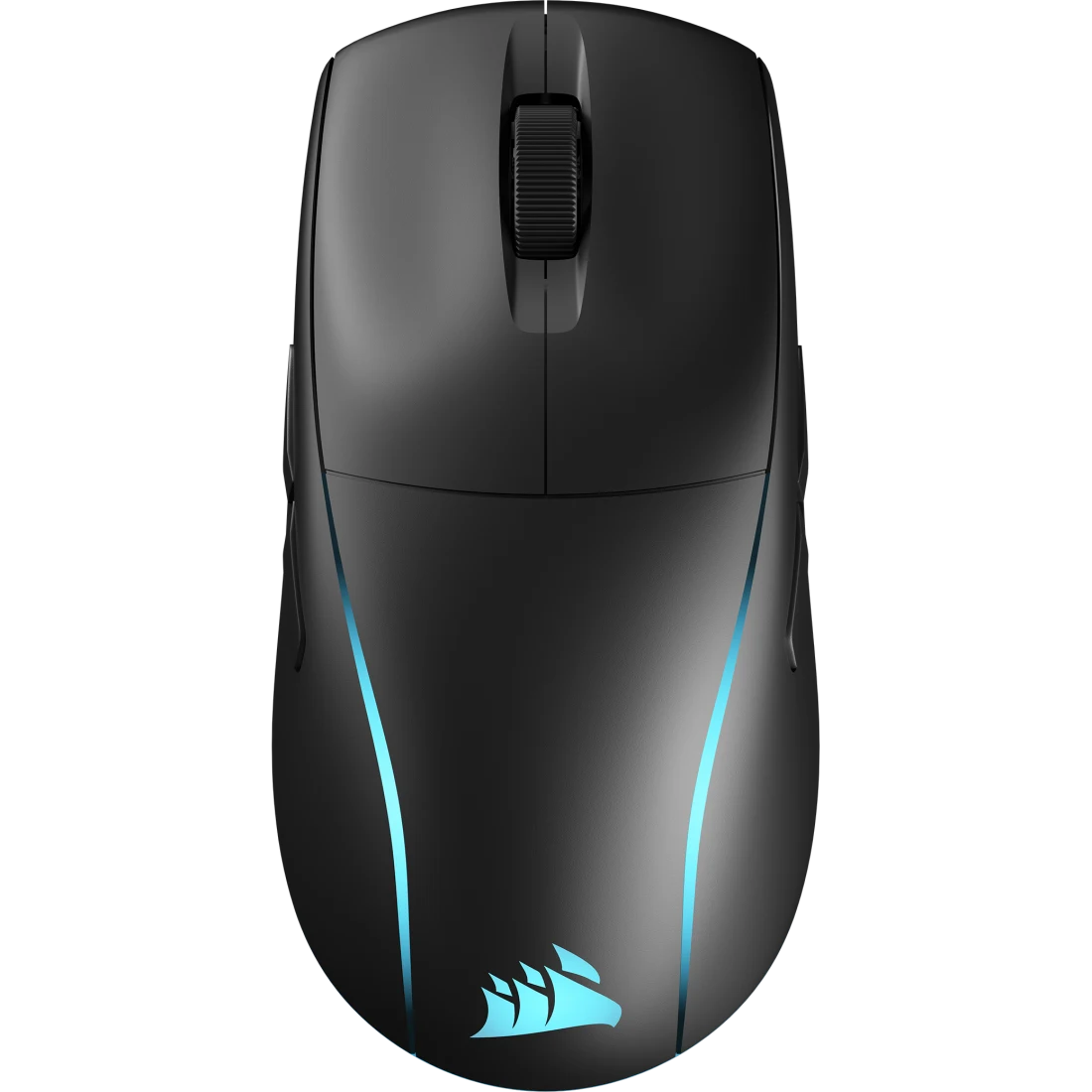
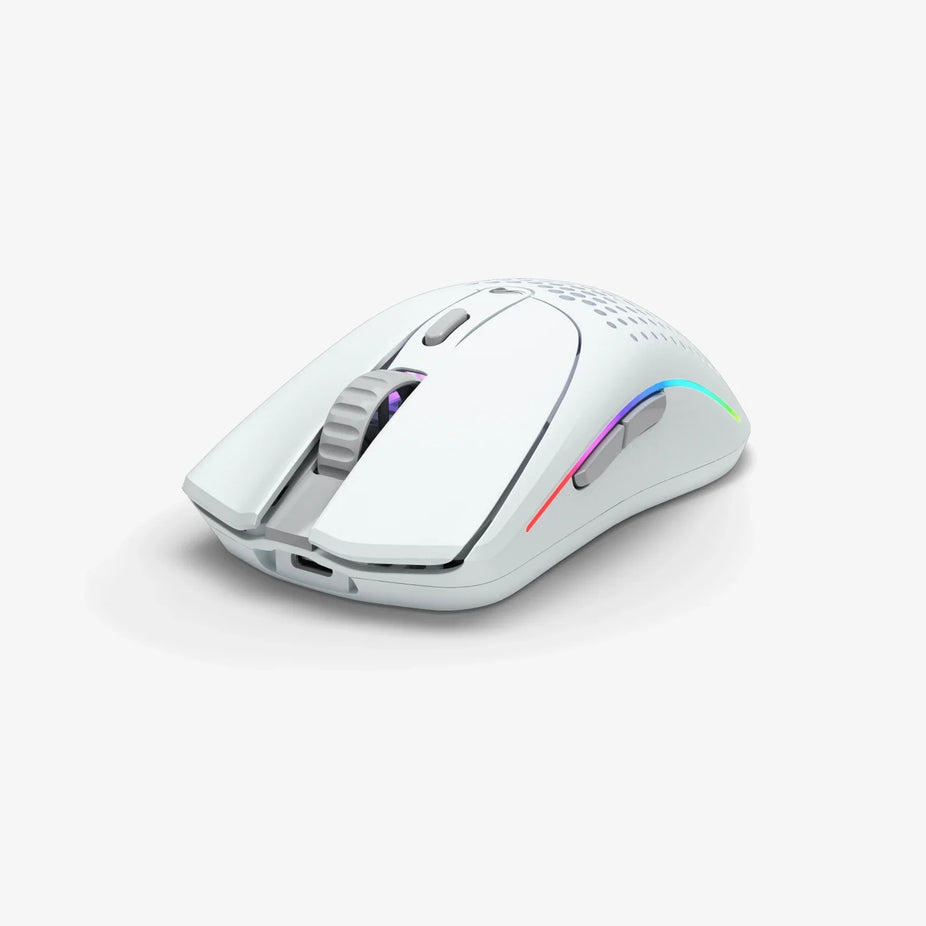
For most competitive players, the Logitech G PRO X Superlight 2 and Razer Viper V3 Pro sit at the top: both are 54-60g wireless mice with 8,000 Hz polling ceilings and roughly 95-hour battery life at default 1,000 Hz settings, though pushing either to full 8K polling cuts that runtime to under 20 hours. If you want more on-mouse buttons or ambidextrous flexibility instead of chasing maximum polling, the SteelSeries Aerox 5 Wireless (9 buttons, water resistant, but heavier at 74g) or Corsair M75 Wireless (true ambidextrous with swappable side buttons, heaviest here at 89g) fit better. The Glorious Model O 2 Wireless rounds things out as the value pick, a genuinely light 68g ambidextrous shell with a 26,000 DPI sensor, but capped at 1,000 Hz polling versus the flagship pair's 8,000 Hz ceiling.
Updated September 2026Advertising DisclosureTop Relevant
✓Carefully researchedProduct data reviewed
◇Independent picksClear comparison criteria
▣Practical resultsBuilt around real use cases
$Price & valueFeatures compared clearly
Buyer checklist
How We Compared These 5 Gaming Mice That Balance Speed, Control and Comfort
This guide is based on desk research, not hands-on testing. We cross-referenced each manufacturer's published specifications (Logitech, Razer, SteelSeries, Corsair, and Glorious) against each mouse's live Amazon.com listing to confirm a real ASIN, current listing title, color, and price, then checked headline specs, sensor DPI/CPI, polling rate, weight, wireless connection type, battery life, button count, and switch type, against independent lab reviews and spec databases from outlets like RTINGS, TechPowerUp, PCWorld, and Tom's Hardware. Where sources disagreed, such as conflicting weight or button-count figures, we noted the discrepancy directly in that mouse's writeup instead of silently picking one number. No unit was purchased or physically used for this guide.
5 Gaming Mice That Balance Speed, Control and Comfort Buying Questions
Does higher DPI actually make a gaming mouse better?
Not directly. DPI (or CPI) mainly determines how far the cursor moves per inch of physical mouse movement. All five mice in this guide support far more DPI than most players use in practice, competitive FPS players commonly run 400-1,600 DPI, so day-to-day performance depends more on sensor tracking consistency and polling rate, both of which we list for every pick, than on the DPI ceiling itself.
Is wireless as fast as wired for competitive gaming now?
For the mice in this guide, yes in practical terms. All five use dedicated 2.4GHz wireless receivers (Logitech LIGHTSPEED, Razer HyperSpeed, SteelSeries Quantum 2.0, Corsair SLIPSTREAM, or Glorious's 2.4GHz dongle) that independent reviewers have measured as effectively indistinguishable from a wired connection in click-latency testing. Bluetooth mode on the models that offer it is meant for battery-saving everyday use rather than competitive play, and typically runs at a lower polling rate.
Why does battery life vary so much between polling rates?
A higher polling rate means the mouse reports its position to the PC more often per second, 8,000 times a second at 8 kHz versus 1,000 times a second at 1 kHz, which draws more power. That's why the Logitech and Razer flagships here both advertise roughly 95 hours at 1,000 Hz but drop to under 20 hours at their maximum 8,000 Hz setting, a tradeoff worth weighing before maxing out polling rate for gains most players won't consciously notice.